Why Use Mortgage Calculators
Mortgage calculators are practical tools for anyone exploring a home purchase or refinance. They help you translate loan terms into concrete numbers, such as your expected monthly payment and total interest over the life of the loan. By adjusting different inputs, you can compare scenarios side by side and see how changes in down payment, interest rate, or loan term affect your costs.
These calculators are especially useful for budgeting. Knowing your estimated mortgage payment before you start house hunting can help you determine what you can comfortably afford. For refinancing, calculators can show whether the long-term savings outweigh the upfront costs.
- Estimate your monthly mortgage payment before you apply.
- Compare different loan amounts, terms, and interest rates.
- See how a larger down payment affects your payment and total interest.
- Understand the impact of property taxes, insurance, and PMI.
- Evaluate refinance scenarios by calculating break-even points.
Sources: Fannie Mae, Investopedia
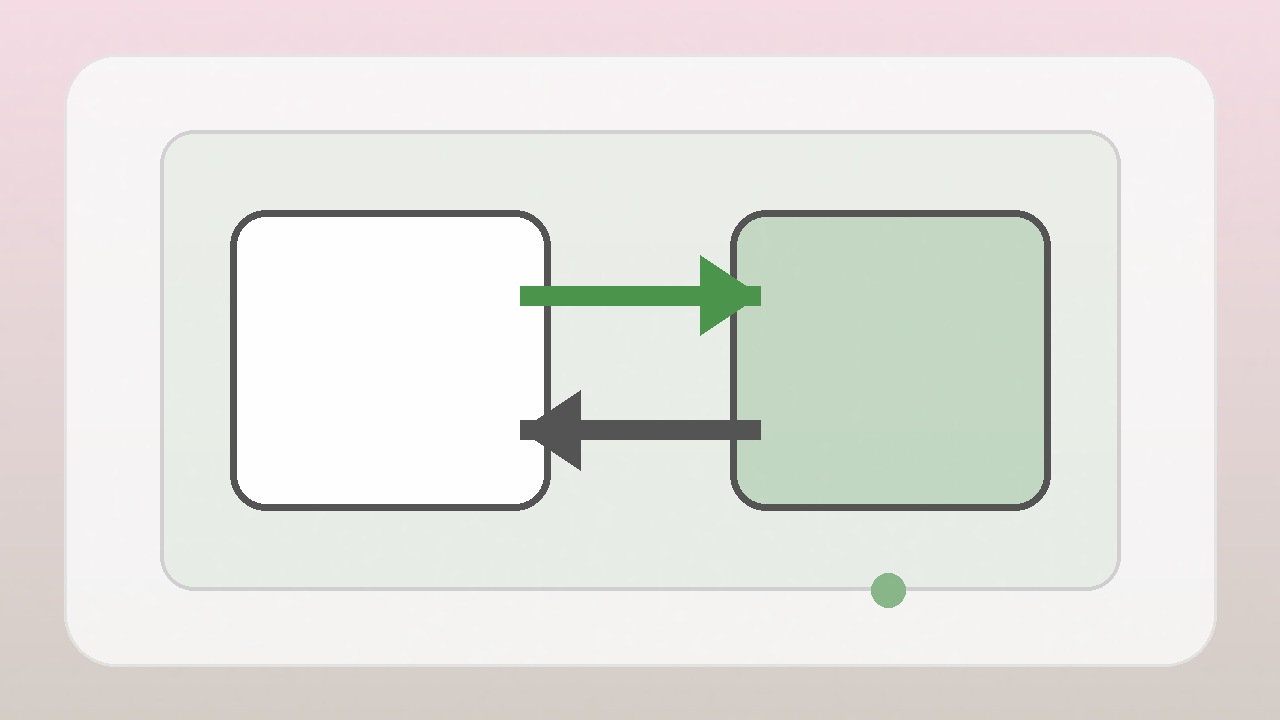
Mortgage Payment Calculator Inputs and Outputs
The standard monthly mortgage payment formula is M = P * [r(1+r)^n] / [(1+r)^n - 1], where M is the monthly payment, P is the principal loan amount, r is the monthly interest rate (annual rate divided by 12), and n is the number of payments (loan term in years multiplied by 12). For example, a 30-year fixed mortgage has 360 monthly payments.
To use a mortgage calculator, you will typically need the home price, down payment amount, loan term, and annual interest rate. The calculator then determines your principal loan amount (home price minus down payment) and applies the formula to estimate your monthly principal and interest payment.
Many calculators also allow you to include property taxes, homeowners insurance, and HOA fees. These are often entered as annual amounts and divided by 12 for the monthly estimate.
The main output is your total monthly payment, but many calculators also show the total amount you will pay over the life of the loan and the total interest cost. Some provide an amortization schedule, which breaks down how much of each payment goes toward principal and interest over time.
- Inputs: home price, down payment, loan term, interest rate, and optionally property tax, insurance, HOA fees, and PMI.
- Outputs: estimated monthly payment (principal, interest, taxes, insurance, etc.), total interest, total loan cost, and amortization schedule.
Sources: Investopedia, Bankrate
How to Calculate Total Interest with a Mortgage Calculator
A mortgage calculator can estimate the total interest you will pay over the life of the loan. To do this, the calculator runs the standard monthly payment formula for the full loan term, then computes the difference between the total of all payments and the original principal amount.
By adjusting the loan term or making extra principal payments, you can see how these changes reduce total interest. Even occasional extra payments can significantly lower the total interest paid and shorten the loan term.
Sources: Investopedia, Bankrate
Refinance Break-Even Calculator: Steps
A refinance break-even calculator helps you decide whether refinancing makes financial sense. The break-even point is when the monthly savings from a lower interest rate offset the closing costs you pay upfront. Closing costs vary by lender and loan, so review your Loan Estimate for accurate figures. For context, Fannie Mae notes that closing costs for buying a home typically range from 2% to 5% of the loan amount, but refinance costs can differ.
To use the calculator, you input your current loan balance, your current interest rate, the new interest rate, and the expected closing costs. The calculator estimates your new monthly payment and compares it with your current payment. The break-even point is then determined by considering how long it takes for the monthly savings to cover the closing costs.
If you plan to stay in the home longer than that, refinancing may be worthwhile.
Keep in mind that the break-even calculation is a simplified estimate. Your actual savings will depend on how long you keep the new loan and whether you continue making the same monthly payment.
- Gather your current loan balance, current rate, new rate, and expected closing costs.
- Estimate your potential monthly savings from the new rate.
- Compare the total closing costs to the monthly savings to gauge when you would break even.
- Consider how long you plan to stay in the home before deciding.
Sources: Fannie Mae, Bankrate
Common Pitfalls When Using Mortgage Calculators
One common mistake is forgetting to include property taxes, homeowners insurance, PMI, and HOA fees. These can significantly increase your monthly payment. Always enter accurate estimates for your area and situation.
Another pitfall is using an interest rate that does not match the loan's actual terms. The payment calculation is based on the loan's interest rate, not the APR, which can include other costs. Ensure you use the correct rate specified in your loan documents.
Also, be cautious about overestimating how much you can afford. A calculator may show a payment that fits your budget, but you also need to account for maintenance, utilities, and other homeownership expenses.
Sources: Investopedia, MortgageCalculator.org
Frequently asked questions
What information do I need to use a mortgage calculator?
To get a basic estimate, you need the home price, your down payment amount, the loan term (such as 30 years), and the annual interest rate. To see your full monthly payment, you also need annual property tax and homeowners insurance amounts. If your down payment is less than 20%, you may need to include PMI, and if the property has an HOA, include those fees as well.
Sources: Fannie Mae, InvestopediaHow often should I recalculate my mortgage payments?
You should recalculate whenever there is a material change in your situation, such as a change in interest rates, property taxes, homeowners insurance, or HOA fees. For example, if you are shopping for a mortgage and rates move, you may want to recalculate to see how your payment changes. If you make extra payments on your mortgage, you can also recalculate to see the impact on total interest and loan term.
Sources: Fannie Mae, InvestopediaCan mortgage calculators include property taxes and insurance?
Yes, many mortgage calculators allow you to input annual property tax and homeowners insurance amounts, and they will divide those by 12 to add to your monthly principal and interest payment. Some also allow you to include PMI and HOA fees, so you can get a more complete estimate of your total monthly housing cost.
Sources: Fannie Mae, MortgageCalculator.orgSources
- Mortgage calculator | Fannie Mae — Fannie Mae
- Mortgage Calculator — Investopedia
- Mortgage Calculator — Bankrate
- Mortgage Calculator — MortgageCalculator.org